0.6 C
New York
Monday, March 2, 2026
Home Blog Page 450

Best friends have babies on the same day, at the same hospital

0

Two best friends in Florida got to experience one of life’s most meaningful experiences together — becoming mothers — and it was caught on camera.

It started in May 2024, when Carolynn Shada announced her pregnancy to her best friend, Kali Gaynor — only to get a surprise of her own when her friend said she was also expecting.

“Our due dates were eight days apart, so we always joked around with the idea that we all could be at the hospital at the same time,” she wrote on Instagram.

ATLANTA COUPLE’S CONJOINED TWIN DAUGHTERS, FUSED AT THE HEART, LIVED FOR JUST 1 HOUR: ‘GIFT FROM GOD’

“NEVER did we ever think our BOYS would be born on the same day.”

Two best friends in Florida got to experience one of life’s most meaningful experiences together — becoming mothers — and it was caught on camera. (Caters News Agency via Reuters Connect)

Yet that’s exactly what happened — in August, the best friends went into labor and delivered their baby boys on the same day, in the same hospital.

CLICK HERE TO GET THE FOX NEWS APP      

“Her precious baby boy was born a bit after 12AM on Tuesday,” Shada wrote of her friend. 

CLICK HERE TO SIGN UP FOR OUR HEALTH NEWSLETTER

“The hospital we were at was at a max capacity, so a few hours after she birthed her baby they moved her to triage. As morning rolls around, I head to the hospital and was placed in the EXACT room she delivered her baby in. My son was born later that afternoon with the same midwife group.”

For more Health articles, visit www.foxnews.com/health

“You can’t make this stuff up!”

Fox News Digital reached out to Shada and Gaynor for comment.

How to remotely fix family computer woes

0


We’ve all been there — whether it’s a grandparent struggling with a new device or a parent confused by software updates. It’s frustrating when you want to help but can’t be there in person. While gathering around a kitchen table to troubleshoot is ideal, distance often gets in the way. 

And let’s face it, trying to explain complex steps over the phone or video chat can be a challenge. So, what’s the solution? Remote assistance might just be the answer you’re looking for. Let’s explore how you can lend a helping hand from afar and get those tech troubles sorted out.

First, a word of caution. Having reported on outside scammers encouraging you to download and connect remotely to them, be very careful to use the following remote connection tips for those you already know and trust.

GET SECURITY ALERTS, EXPERT TIPS — SIGN UP FOR KURT’S NEWSLETTER — THE CYBERGUY REPORT HERE

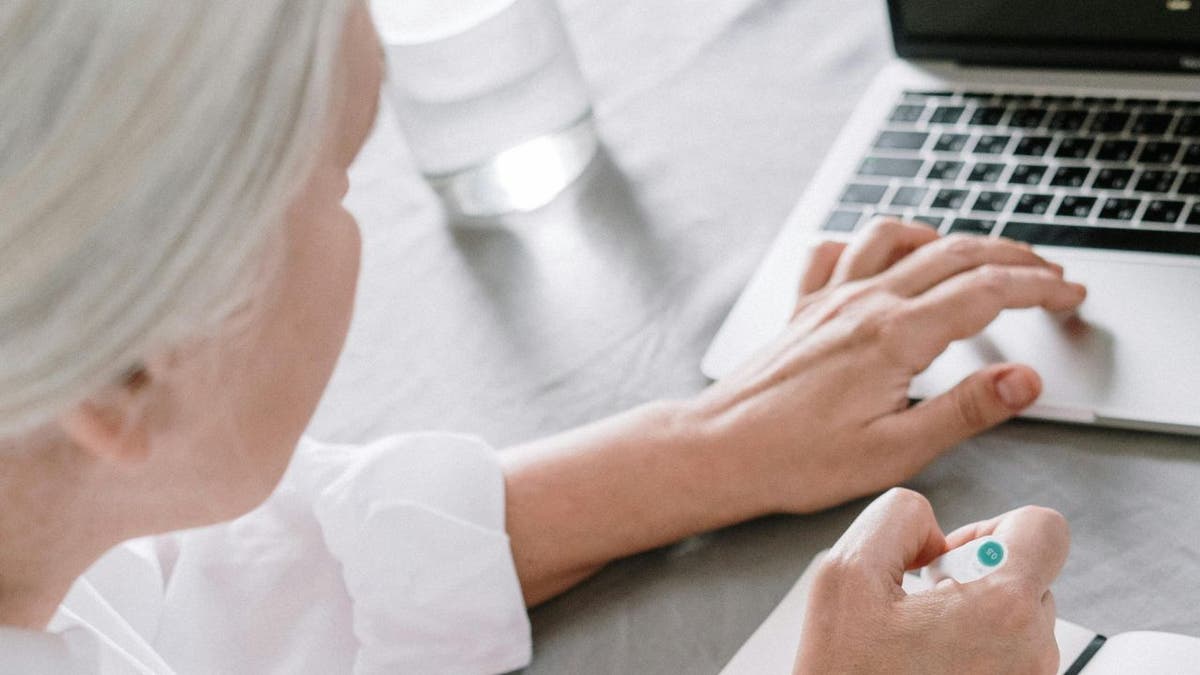
woman on laptop

It’s possible to remotely access a family member’s computer. (Kurt “CyberGuy” Knutsson)

How to set up remote access on Windows

1. Quick Assist

Quick Assist is a built-in remote access tool available on Windows 10 and 11.

  • To start, search for Quick Assist in the Start menu or find it in the Windows Accessories folder.
  • Open the app and choose “Help someone,” then sign in with your Microsoft account (your friend or family member does not need one).
  • You’ll receive a six-digit code that expires in 10 minutes.
  • Then, share this code with the person you’re helping.
  • They should open Quick Assist and enter the code under the “Get help” section.
  • After they grant permission, you’ll be able to control their computer. You can even use the Remote Reboot option to restart their computer and maintain the connection.

GET FOX BUSINESS ON THE GO BY CLICKING HERE

2. Windows Remote Assistance

For users on Windows 7, 8 or 10, you can use the older Remote Assistance tool.

  • Have the person you’re assisting search for “Invite someone to connect to your PC” in Windows, or find it via Control Panel.
  • They need to send you an invitation file via email and share the generated password.
  • Alternatively, they can use Easy Connect if available, which only requires providing a password.

3. Remote Desktop Connection

Remote Desktop Connection allows you to fully control another PC.

  • First, enable the feature on the remote computer by navigating to Settings.
  • Then click System.
  • Next tap Remote Desktop.
  • Open the Remote Desktop Connection tool from the Start menu.
  • Then, enter the remote PC’s name or IP address, and connect using the credentials provided.

BEST ANTIVIRUS FOR PCS — CYBERGUY PICKS 2024

quick assist image

Quick Assist. (Microsoft)

WINDOWS USERS WORLDWIDE FACE BLUE SCREEN OF DEATH DUE TO CROWD STRIKE ISSUE

How to set up remote access on Mac

1. Screen share in messages

Mac users can use the Messages app for remote assistance. Both parties need to be signed in with their Apple ID and be using macOS. 

  • Open Messages.
  • Start or select a conversation.
  • Click the “i” button.
  • Then click Share.
  • You can ask the other person to “Ask to share screen” with you, granting you control to help them with any issues.

2. SharePlay in FaceTime

For macOS Monterey or later, you can use SharePlay in FaceTime to share screens.

  • Ensure SharePlay is enabled in FaceTime’s preferences.
  • Start a FaceTime call.
  • Have the other person click FaceTime in the top menu.
  • Then select Screen Share and choose to share the entire screen.
  • You can view but not control their screen.

BEST ANTIVIRUS SOFTWARE FOR YOUR MAC

sharing a screen

NEW CYBERATTACK TARGETS IPHONE AND APPLE IDS: HERE’S HOW TO STAY SAFE

How to use FaceTime’s SharePlay in iOS 18 on iPhone or Mac

With iOS 18, Apple has enhanced FaceTime’s SharePlay feature, making it easier than ever to help family members with their computer issues remotely. Here’s how you can use SharePlay to guide them through troubleshooting steps:

  • Start a FaceTime call: Begin by initiating a FaceTime call with the family member who needs assistance.
  • Activate SharePlay: Once the call is connected, tap the SharePlay button. This will give you several options, including sharing your screen or requesting access to the other person’s screen.
  • Share your screen: If you need to show them how to perform a task, select “Share My Screen.” This will broadcast your screen to the other person, allowing them to follow along with your instructions.
  • Request screen access: If you need to see their screen to diagnose an issue, select “Ask to Share.” The other person will need to approve this request. Once approved, their screen will appear on your device.
  • Interactive tools: While viewing their screen, you can use the new drawing tools to highlight areas or draw instructions directly on their screen. This can be incredibly helpful for pointing out specific buttons or menu options.
  • Control playback: If you’re watching a tutorial video together, you can control the playback, and it will sync across both devices. This ensures you’re both on the same page.
  • End SharePlay: When you’re done, simply tap the SharePlay button again and choose to end the session.

Using these steps, you can effectively assist your family members with their computer issues, no matter where you are.

BEST ANTIVIRUS FOR MAC, PC, IPHONES AND ANDROIDS — CYBERGUY PICKS

How to use Google Meet for remote assistance on Android

 Settings may vary depending on your Android phone’s manufacturer 

  • Open the Google Meet app on your Android device.
  • Click Create a new meeting. 
  • Tap Share
  • Then share the meeting link with the family member who needs assistance via a text or email. 
  • Both you and your family member should join the call using the provided link.
  • Tap the three-dot menu in the bottom right corner and select “Share screen.” Choose the screen or app you want to share. This allows the other person to see your screen and follow along with your instructions.
  • If you need to see their screen to diagnose an issue, ask them to share their screen using the same steps. They will need to approve this request.
  • While viewing their screen, you can guide them verbally or use the chat feature to send instructions. Although Google Meet doesn’t have built-in drawing tools, you can use third-party apps like Google Keep for annotations.
  • If you’re watching a tutorial video together, you can control the playback on your device, and they can follow along on their screen.
  • When you’re done, simply tap the “Stop sharing” button and end the call.

HOW TO REMOVE YOUR PRIVATE DATA FROM THE INTERNET

How to set up remote access for Chrome and other platforms

1. Chrome Remote Desktop

Chrome Remote Desktop is a versatile tool for cross-platform remote access. Both parties need to use Google Chrome and visit the Chrome Remote Desktop site.

  • The person needing help should click “Share My Screen.” 
  • Download the necessary app. 
  • After installation, they generate a 12-digit code, which you enter on your computer to gain control.
  • This setup makes future sessions easier to initiate.

WHAT IS ARTIFICIAL INTELLIGENCE (AI)?

remote access

Chrome Remote Access. (Google)

BEWARE OF THIS MCAFEE GOOGLE CHROME AD SCAM

2. Remote access via video conferencing software

Many video conferencing apps, like Zoom and Microsoft Teams, offer screen sharing and remote control features.

  • In Zoom, request control by selecting “Request Remote Control” from the View Options menu during a call.
  • The meeting host can then grant you control.
  • In Teams, click “Request control” during screen sharing, or give control by selecting “Give control” from the sharing toolbar.

THE HIDDEN COSTS OF FREE APPS: YOUR PERSONAL INFORMATION 

Kurt’s key takeaways

We all run into computer trouble every so often, or we know someone who does. Instead of waiting until you’re together in the same room — which may be a long time for some loved ones — utilize remote access capabilities to troubleshoot the problem from far away, no matter what device you have.

What challenges have you faced while helping someone with tech issues from a distance, and how did you overcome them? Let us know by writing us at Cyberguy.com/Contact

CLICK HERE TO GET THE FOX NEWS APP

For more of my tech tips and security alerts, subscribe to my free CyberGuy Report Newsletter by heading to Cyberguy.com/Newsletter

Ask Kurt a question or let us know what stories you’d like us to cover.

Follow Kurt on his social channels:

Answers to the most-asked CyberGuy questions:

New from Kurt:

Copyright 2024 CyberGuy.com. All rights reserved.


Source link

Fox News AI Newsletter: ‘Fargo’ creator: ‘We’ve got a fight on our hands’

0


Welcome to Fox News’ Artificial Intelligence newsletter with the latest AI technology advancements.

IN TODAY’S NEWSLETTER:

– ‘Fargo’ creator warns AI is a threat, ‘we’ve got a fight on our hands’
– AI will tamp down inflation, provide greater ‘social safety net,’ Silicon Valley businessman says
– Man paralyzed in diving mishap has medical miracle a year after getting AI-powered brain implant

Close up of Noah Hawley

Noah Hawley attends the premiere of FOX’s “Lucy In The Sky” at Darryl Zanuck Theater at FOX Studios on Sept. 25, 2019, in Los Angeles. (Tibrina Hobson/WireImage)

READY FOR BATTLE: “Fargo” series creator Noah Hawley is wary of the good and bad in artificial intelligence.

AI OPTIMISM: A prominent Silicon Valley businessman and venture capitalist believes artificial intelligence can spur deflation and create enough growth to help those whose jobs will be lost to the technology.

MEDICAL MIRACLE: A New York man who was left paralyzed after a diving accident is starting to regain movement a year after receiving an artificial intelligence-powered implant in his brain.

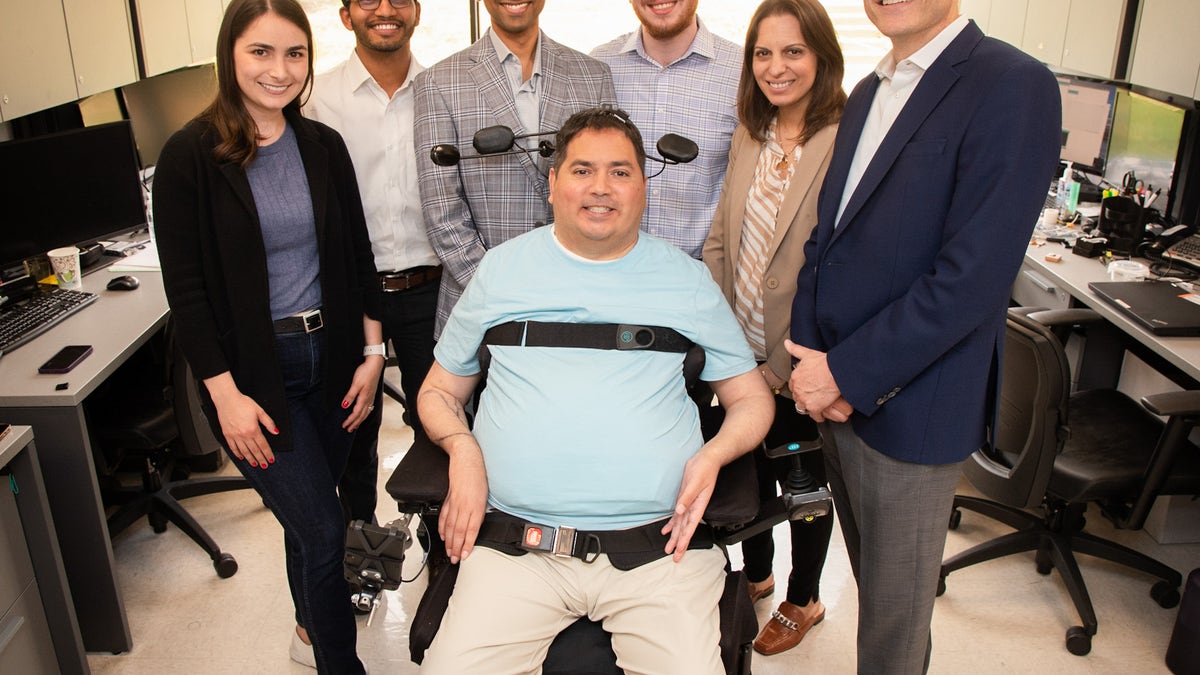
Keith Thomas with care team

Keith Thomas, who lives with paralysis, poses with the research team at Northwell Health’s Feinstein Institutes for Medical Research that worked with him for months to restore lasting movement and feeling in his arm and hand. The first-of-its-kind ‘double neural bypass’ system uses brain implants and artificial intelligence to allow signals to and from Thomas’ brain to bypass the site of his injury. (Northwell Health’s The Feinstein Institutes for Medical Research)

PUNTED: A federal judge on Wednesday blocked a California bill that outlaws AI-generated “deepfake” content and required the removal of “deceptive content” from social media.

A California law signed by Gov. Gavin Newsom was blocked by a federal judge.

A California law signed by Gov. Gavin Newsom was blocked by a federal judge. (Anadolu / Contributor)

Subscribe now to get the Fox News Artificial Intelligence Newsletter in your inbox.

FOLLOW FOX NEWS ON SOCIAL MEDIA

Facebook
Instagram
YouTube
Twitter
LinkedIn

SIGN UP FOR OUR OTHER NEWSLETTERS

Fox News First
Fox News Opinion
Fox News Lifestyle
Fox News Health

DOWNLOAD OUR APPS

Fox News
Fox Business
Fox Weather
Fox Sports
Tubi

WATCH FOX NEWS ONLINE

Fox News Go

STREAM FOX NATION

Fox Nation

Stay up to date on the latest AI technology advancements and learn about the challenges and opportunities AI presents now and for the future with Fox News here.


Source link

America’s Founding Fathers stressed ‘doing good’ for others in a free society

0

Join Fox News for access to this content

Plus special access to select articles and other premium content with your account – free of charge.

By entering your email and pushing continue, you are agreeing to Fox News’ Terms of Use and Privacy Policy, which includes our Notice of Financial Incentive.

Please enter a valid email address.

It’s well known that Ben Franklin was a morning person. In his “Poor Richard’s Almanac,” he famously said, “Early to bed, early to rise, makes a man healthy, wealthy and wise.” 

But what did Ben Franklin do when he got up early? What was his morning ritual? 

That is less well known. In his autobiography, Ben Franklin wrote that the first thing he did when he woke up each day was to ask himself the following question: “What good shall I do this day?” (See the video at the top of this article.) 

CAKE AND DEMOCRACY ARE A ‘SWEET’ COMBINATION, SAYS BESTSELLING AUTHOR: ‘FREEDOM IS A TREAT’ 

I love Ben Franklin’s ritual. 

For most of my adult life, my default morning thoughts included questions such as, “What annoying tasks do I have to do this day?” and “What terrible things have happened in the world that I’ll read about when I open my laptop?” 

A.J. Jacobs, a New York City-based bestselling author (shown at right), spent a year “living” the Constitution — which included getting closer to the lives of America’s Founding Fathers. Shown at left Ben Franklin.  (iStock; A.J. Jacobs)

Nowadays, I try instead to do what Ben Franklin advises: I ask myself, “What good can I do today?” 

Written on a piece of paper, it now hangs over my desk as a reminder. 

This new habit is the result of the year I spent recently trying to live like the Founding Fathers. I wrote about the wisdom I learned in my new book, “The Year of Living Constitutionally.”

“The Founders’ idea of virtue meant public-mindedness. A virtuous person puts the interests of others before their own interests.”

As Franklin’s morning ritual implies, the Founders were obsessed with the idea of virtue. 

Nowadays, the word “virtue” has a bit of a cringey and fusty ring to it.

MAKING STUFF BY HAND TAPS INTO THE GREAT TRADITION OF AMERICAN INDIVIDUALISM

I hear the word most often used in the phrase “virtue signaling,” which is not a compliment. 

“Virtue signaling” refers to someone who is ostentatiously trying to show off how righteous they are by, for instance, loudly asking a waiter about the living conditions of the bees that produced the honey for their oatmeal.

A.J. Jacobs used a quill and ink well to write most of his book

“The Founders’ idea of virtue meant public-mindedness,” said Jacobs. “A virtuous person puts the interests of others before their own interests. A virtuous person focuses on those two key words in the Constitution’s preamble: ‘General Welfare.’” (A.J. Jacobs; iStock)

In the Founders’ era, the word virtue had no such mixed connotations. 

Virtue was a cherished ideal. In his book “First Principles,” Thomas E. Ricks writes that the Founders used the word virtue about 6,000 times in the collected writings from the Revolutionary era. 

That’s more often than the word “freedom.” 

“I almost wish the Constitution had a Bill of Responsibilities.”

The Founders’ idea of virtue meant public-mindedness. A virtuous person puts the interests of others before their own interests. A virtuous person focuses on those two key words in the Constitution’s preamble: “General Welfare.”

IN AN ELECTION YEAR, AMERICANS NEED FEWER HOT TAKES AND MORE COOL-HEADED REASONING

I think we’re due for a resurgence of virtue. I know I could use more of it. 

As a rule, I’m too focused on my individual rights. Rights are wonderful, and I’m grateful that I live in a country that puts an emphasis on individual rights. But rights come with responsibilities. 

I almost wish the Constitution had a Bill of Responsibilities. 

AJ Jacobs with family and sharpening quill split

A.J. Jacobs, pictured at left with members of his family, “lived” the Constitution for a year — which included sharpening his own quill pen, at right, and growing closer to the meaning and intent of the Founding Fathers.  (A.J. Jacobs)

The idea of public responsibility, I believe, was more ingrained in the 18th century and didn’t need to be spelled out. You were expected to sacrifice for your community.

If there was a fire, you were expected to be part of the bucket brigade, helping to save your neighbor’s house. If you were a man, you were expected to be a part of your local militia. 

 “If I’m depressed, I find the best thing to do is to help others. It gets me out of my head.”

When my wife and kids and I wrote a Constitution for our family — an exercise I fully recommend — we included a Bill of Rights, but also a Bill of Responsibilities. 

WHY AMERICANS NEED MORE FACE-TO-FACE CIVIL DISCUSSIONS ‘WITH FOLKS OUTSIDE THEIR OWN BUBBLE’ 

It’s not about being saintly. 

Service actually wasn’t opposed to happiness. It was integral to it. 

election cakes in New York

Jacobs is shown with an “Election Cake” offering as part of his “Year of Living Constitutionally,” the title of his most recent book. He writes that service to others “wasn’t opposed to happiness. It was integral to it.” (A.J. Jacobs)

As Jeffrey Rosen, president of the National Constitution Center, has said, “Happiness wasn’t about feeling good. It was about doing good.” 

CLICK HERE TO GET THE FOX NEWS APP

I find this observation to be true in my own life. If I’m depressed, I find the best thing to do is to help others. It gets me out of my head.

A.J. Jacobs and wife in regalia coat and outfit

Jacobs, pictured here with his wife, spent a year living “constitutionally” — and wrote about it in his new book.  (A.J. Jacobs)

That piece of paper over my desk serves as a moral North Star and helps tamp down my Larry David side. 

When I start to get angry about something silly — such as my Instagram post didn’t get enough likes — I can look at the phrase and get a reality check. 

For more Lifestyle articles, visit www.foxnews.com/lifestyle

It reminds me of the big picture.

“The Year of Living Constitutionally: One Man’s Humble Quest to Follow the Constitution’s Original Meaning” by A.J. Jacobs (2024) is published by Crown.

Using your Apple Watch to monitor blood pressure

0


Regular monitoring of blood pressure is essential for maintaining heart health, especially for those with hypertension or concerns about high blood pressure. 

With the advent of technology, checking blood pressure has become easier and more accessible, particularly through devices like the Apple Watch. 

Let’s explore how to use your Apple Watch to monitor your blood pressure.

GET SECURITY ALERTS, EXPERT TIPS — SIGN UP FOR KURT’S NEWSLETTER — THE CYBERGUY REPORT HERE

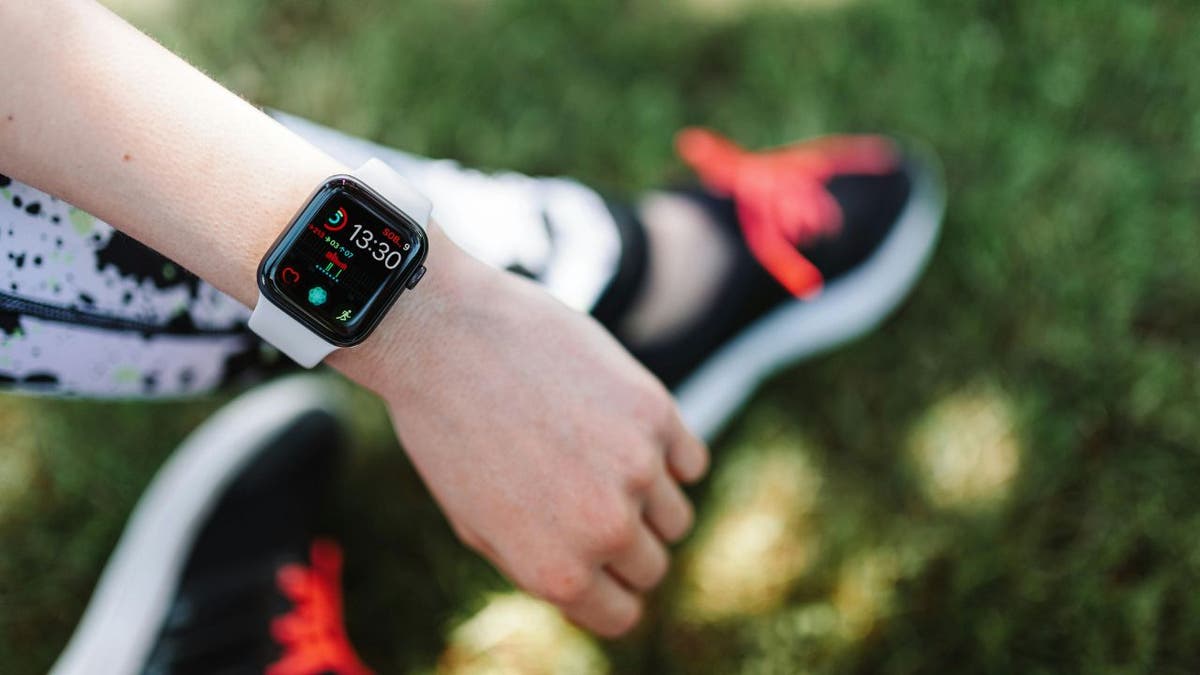
woman with apple watch

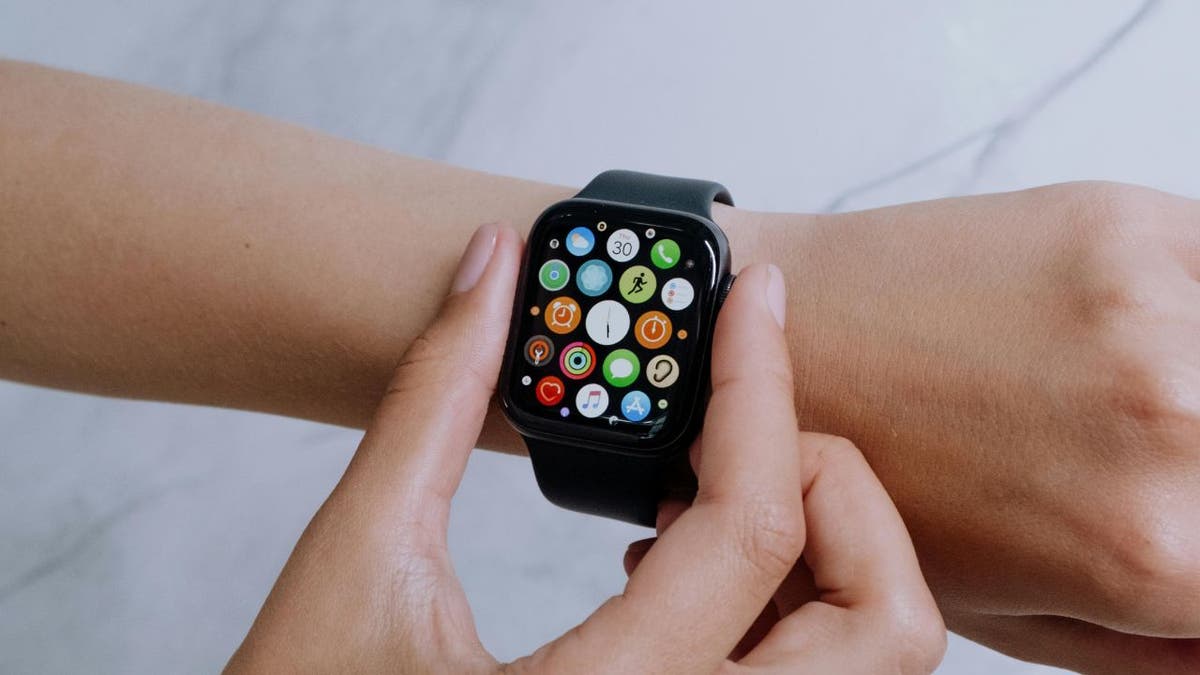
A woman wearing an Apple Watch. (Kurt “CyberGuy” Knutsson)

Why monitor blood pressure at home?

Monitoring blood pressure at home allows you to track their readings over time, providing valuable insights into their health. This practice can help identify trends, manage medications and understand how lifestyle factors such as diet and stress affect blood pressure levels. Regular logs can serve as benchmarks for what is considered a healthy range for each individual.

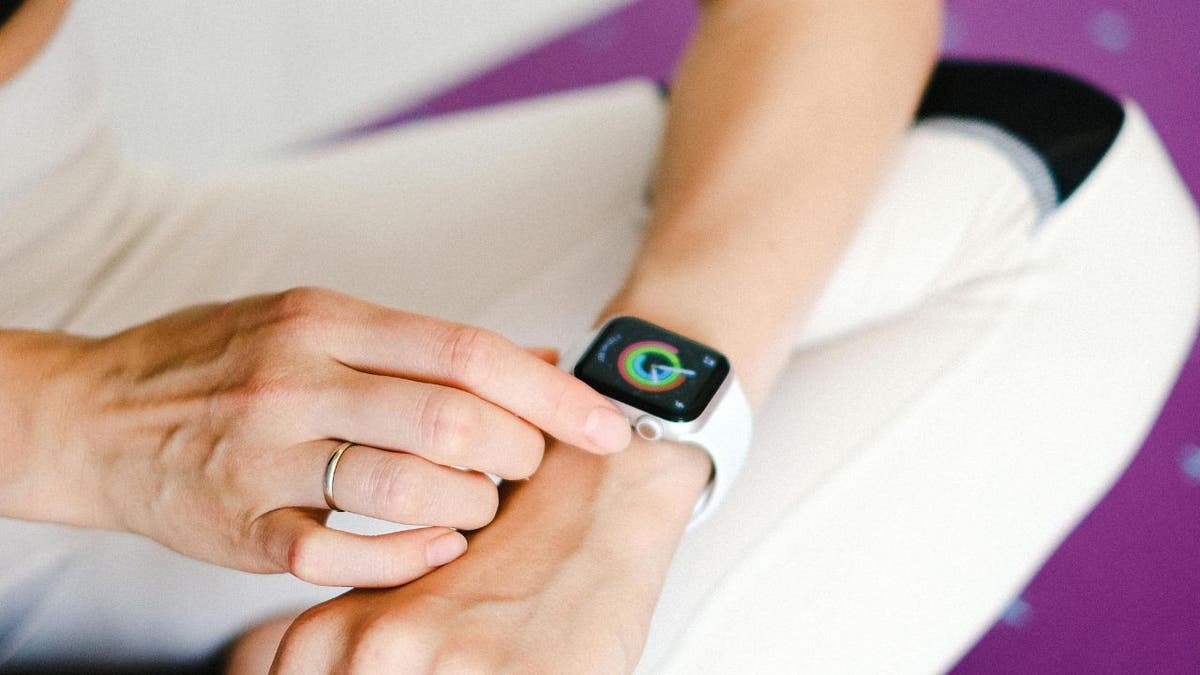
woman wears apple watch 2

A woman wearing an Apple Watch. (Kurt “CyberGuy” Knutsson)

THE TRADE OFF BETWEEN USING FITNESS APPS AND DATA PRIVACY CONCERNS

Can the Apple Watch measure blood pressure?

While the Apple Watch itself cannot measure blood pressure directly, it can be paired with compatible blood pressure monitors. These devices typically consist of an arm cuff and a wireless connection to the Apple Watch, allowing you to sync your readings with the Health app. This integration makes it easy to keep track of blood pressure data alongside other health metrics.

HOW TO PROTECT YOUR IPHONE & IPAD FROM MALWARE

woman checks an apple watch

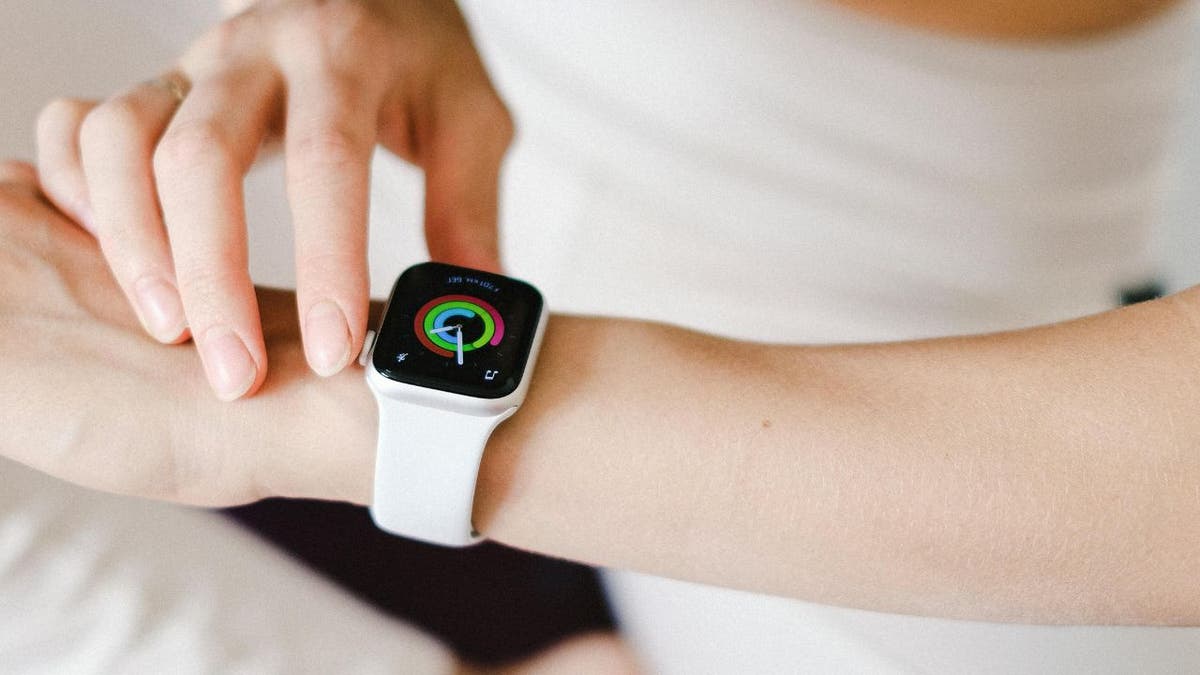
A woman wearing an Apple Watch. (Kurt “CyberGuy” Knutsson)

SKYROCKET TO A HEALTHIER LIFESTYLE WITH THIS GEAR IN 2024

Compatible blood pressure monitors

Several blood pressure monitors are designed to work seamlessly with the Apple Watch, offering features such as Bluetooth connectivity, data storage and integration with health apps. Check out our three recommended blood pressure monitors that work seamlessly with the Apple Watch.

CLICK HERE FOR MORE U.S. NEWS

man with apple watch

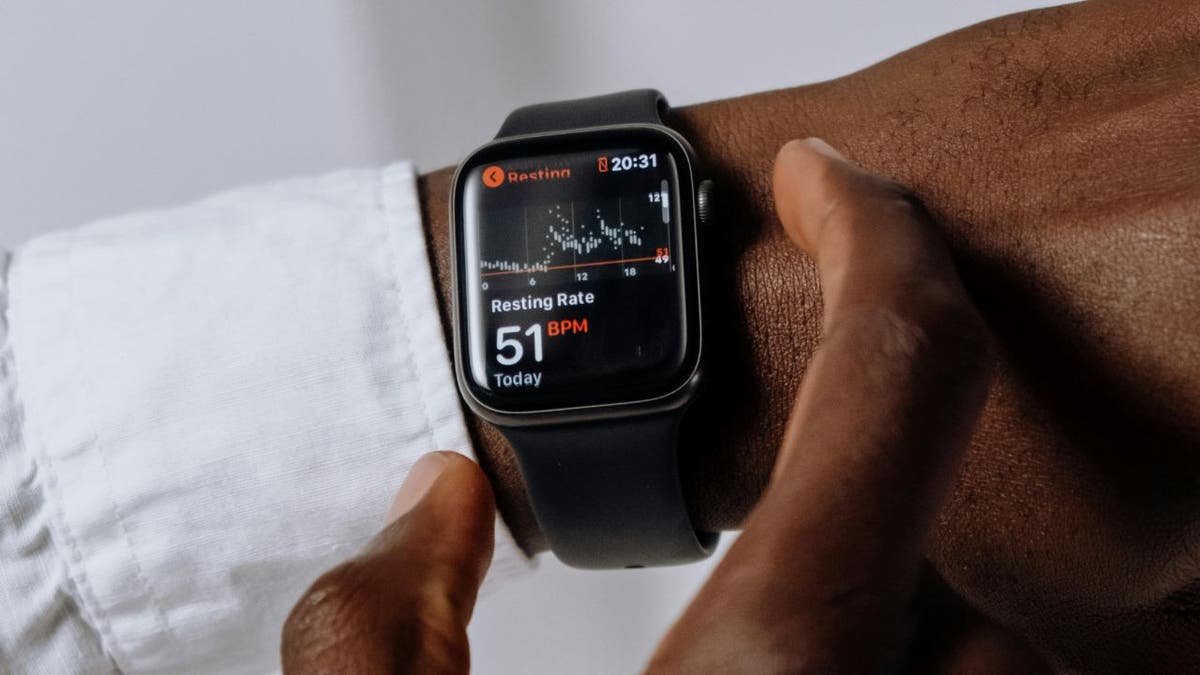
A man wearing an Apple Watch. (Kurt “CyberGuy” Knutsson)

SUBSCRIBE TO KURT’S YOUTUBE CHANNEL FOR QUICK VIDEO TIPS ON HOW TO WORK ALL OF YOUR TECH DEVICES

How to check blood pressure using your Apple Watch

Using a compatible device like the OMRON Platinum Blood Pressure Monitor, follow these steps:

  • Open the OMRON Connect app on your Apple Watch and tap the [START] button.
  • Place the OMRON Platinum cuff on your upper arm and ensure it is ready to inflate.
  • Press the [START] button on your Apple Watch to begin the measurement.
  • View your measurement history and set reminders through the app on your watch.

GET FOX BUSINESS ON THE GO BY CLICKING HERE

checking blood pressure on apple watch

A woman wearing an Apple Watch. (Kurt “CyberGuy” Knutsson)

5 TOP WATCHES TO MONITOR YOUR BLOOD PRESSURE

Kurt’s key takeaways

Incorporating blood pressure monitoring into your daily routine can significantly contribute to better heart health. While the Apple Watch cannot measure blood pressure on its own, its compatibility with various monitors makes it a powerful tool for health management. By regularly checking your blood pressure and making necessary lifestyle adjustments, you can take proactive steps toward maintaining a healthy heart.

What strategies or tools have you found most effective in managing your blood pressure and maintaining your overall heart health? Let us know by writing us at Cyberguy.com/Contact

CLICK HERE TO GET THE FOX NEWS APP

For more of my tech tips and security alerts, subscribe to my free CyberGuy Report Newsletter by heading to Cyberguy.com/Newsletter

Ask Kurt a question or let us know what stories you’d like us to cover.

Follow Kurt on his social channels:

Answers to the most-asked CyberGuy questions:

New from Kurt:

Copyright 2024 CyberGuy.com. All rights reserved.


Source link

Ultra-processed food consumption in US poses risk for kids: nutritionist

0

Super-processed, packaged foods have become prevalent in U.S. diets — and experts are warning of the potential effects.

Recent research has shown that 60% of Americans’ daily caloric intake comes from ultra-processed foods (UPFs).

A study published by the BMJ revealed that exposure to UPFs was associated with 32 poor health outcomes, including mental, respiratory, cardiovascular, gastrointestinal and metabolic complications.

THESE 6 ‘HEALTHY’ FOODS WON’T HELP YOU LOST WEIGHT, NUTRITIONIST WARNS

Some of the linked conditions include cancer, heart disease, metabolic syndrome, non-alcoholic fatty liver disease and type 2 diabetes.

While America’s diet is 60% ultra-processed overall, registered dietitian nutritionist Ilana Muhlstein warned that consumption among American kids is even higher than that.

Nutritionist Ilana Muhlstein says that more than 70% of American kids’ diets consist of processed foods. (iStock)

“With children, it’s actually over 70%,” the Los Angeles-based expert told Fox News Digital. “That is really wild when you think about it.”

“What we eat defines how our cells work, how our organs work, and we’re seeing a strong decline in mental health and well-being.”

Muhlstein explained that people are not consuming the vitamins, minerals or healthy fat sources as previous generations.

LEAN, MEAN PROTEIN: HOW MUCH SHOULD YOU BE EATING? NUTRITIONIST REVEALS ANSWERS

Instead, today’s kids are ingesting “plenty of fat” that comes from ultra-processed seed oils, fried foods and sugary foods, she said.

“We’re actually seeing that this next generation might be the first generation to … have a shorter lifespan than their parents due to nutrition and lifestyle factors,” Muhlstein said.

processed snacks

Studies have shown that consuming ultra-processed foods is associated with 32 poor health outcomes. (iStock)

Studies have shown that providing children with a nutritious diet improves their mental well-being, behavior and academic achievement, noted Muhlstein, who teaches a kids’ nutrition course called “Raising Balanced Eaters.”

The goal isn’t necessarily to get to 0% ultra-processed foods, Muhlstein noted, as that would likely be unrealistic.

2 SURPRISING FOODS FOR FALL THAT ARE DELICIOUS, HEALTHY AND EASY TO PREPARE

“But right now, if we’re seeing that kids are eating about 70% ultra-processed foods and only 30% of their calories are coming from whole foods, the goal would be to reverse that.”

The nutritionist encouraged parents to follow the “80/20 rule” when feeding their kids, which would include 80% of whole foods like eggs, fish, meat, fruits and vegetables, and 20% of not-so-nutritious foods like chips, cookies and ice cream.

Healthier alternatives for kids

Muhlstein listed a few alternatives for ultra-processed foods that are popular with kids.

This includes using marinara sauce instead of ketchup on foods like chicken nuggets and French fries.

CLICK HERE TO SIGN UP FOR OUR HEALTH NEWSLETTER

“[Marinara] has fewer ingredients [and is] much lower in sugar,” she said. “You actually see chunks of tomato, some basil, maybe it’s made with some olive oil or another healthy oil and some salt.”

french fries and chicken fingers with ketchup

Substituting ketchup with marinara sauce is a simple way to transition kids away from an ultra-processed diet. (iStock)

“It’s still creamy, it’s still red, it’s still tasty, and it’s one step closer to less processing.”

For popular processed foods like chicken nuggets, which have been “all blended up and mechanically separated,” Muhlstein suggested switching to chicken strips and gradually moving toward baked rather than fried.

Even at a barbecue, the expert recommended the simple, healthier decision of choosing a hamburger over a hot dog.

DRINKING SOY MILK COULD REDUCE RISK FACTORS FOR HEART DISEASE, RESEARCH SHOWS

“Hot dogs are usually made with nitrites and nitrates,” she cautioned. “We actually have incredible research to show that they increase the risk of certain cancers.”

“When you can go from a hot dog to a hamburger, that’s usually just ground beef … with some seasoning,” the expert went on. “It’s already a nice step in the right direction of less processing overall.”

family preparing burgers on the grill

When feeding kids, a hamburger is a healthier choice than a hot dog, the nutritionist said. (iStock)

Muhlstein encouraged parents to take these transitions “one step at a time” and to “be really joyful” about the experience to boost their child’s attitude.

Failing to address a child’s eating habits and assuming they might “grow out of it” could cause long-term consequences, she warned.

For more Health articles, visit www.foxnews/health

“If you’re not exposing your kids to flavors and textures beyond chicken nuggets, sugary yogurts, French fries, hot dogs and pizza, it’s very unlikely that they are going to establish a better palate and a healthier relationship with food moving forward.”

family using a shopping cart while buying groceries at the supermarket

The nutritionist encouraged parents to follow the “80/20 rule” — 80% of whole foods like eggs, fish, meat, fruits and vegetables, and 20% of processed foods like chips, cookies and ice cream. (iStock)

The expert recommended sitting down for family meals, noting that it’s one of the most “well-researched” ways to reduce eating disorders.

This includes turning off the TV and electronics during dinner, she said, as studies show TV-watching during meals leads to higher consumption of UPFs.

CLICK HERE TO GET THE FOX NEWS APP

“Only three to five family meals a week can lower a person’s risk for eating disorders,” she said. “It’s [proven] to bring a healthy, positive relationship around food, especially if you can make the conversations lighthearted … keep it somewhat positive.”

“It’s a great way for the family to connect, for the kids to see their parents eat a wholesome meal, and for everyone to return to more meals and less mindless snacking.”

Atlantic City, a US casino mecca, could be the winning bet for travel this fall

0

Just two hours from New York City and an hour from Philadelphia, the gambling destination of Atlantic City is an East Coast alternative to Las Vegas. 

Fall’s “sweater weather” could be the ideal backdrop to stroll on the Atlantic City Boardwalk as the upscale resorts drop their hotel rates. 

It’s an ideal time to enjoy the excitement the seaside town offers, including gaming, world-class restaurants and shopping.  

So, while Atlantic City thrives during the bustling summer season, the destination can offer the same amount of fun in this shoulder season. 

RARE CHANCE TO SEE NORTHERN LIGHTS MAY BE POSSIBLE THIS WEEKEND DUE TO SOLAR FLARE

There is so much to do in Atlantic City aside from the beach. Check out all that the East Coast alternative to Las Vegas offers you this fall. (iStock)

Here are sone options beyond the beach. 

Where to stay

There are several hotels in Atlantic City to choose from, but the Hard Rock Hotel & Casino Atlantic City is a great bet for a fall trip.

Not only can the weather be temperate, but after taking in views of the ocean or walking on the boardwalk, you can try your luck and skill on the high-caliber gaming floor.  

When you’re ready to take a break, stroll around the property and revel in the valuable and rare music memorabilia collection before retreating to one of the resort’s ocean-view hotel rooms featuring Hard Rock’s signature “Sleep Like a Rock” bedding. 

NEW JERSEY TRAVEL GUIDE TO EXPLORE SPARKLING BEACHES, THEME PARKS AND MORE

Consider splurging for an ocean front room for views of the Atlantic Ocean, plus the horizon.

Atlantic City Boardwalk

Take a stroll down the Atlantic City boardwalk while waiting for your reservation at some of these top restaurants. (iStock)

This fall, you could snag a reservation without any trouble at the resort’s top-rated restaurants, including Council Oak Steaks & Seafood; Kuro, a Japanese craft kitchen at the Hard Rock; or Il Mulino, an Old World Italian restaurant that offers authentic cuisine.

And the entertainment is amplified as fall sets in. This fall, Hard Rock Atlantic City welcomes Diana Ross (Oct. 19) and Chicago (Nov. 1 and Nov. 2). 

Roll right into the holiday season with a special holiday-themed Wayne Newton show Nov.22. 

ALABAMA STORE IS HOT SPOT FOR TOURISTS LOOKING TO SNAG DEALS ON TRAVELERS’ LOST PERSONAL ITEMS

After the holidays, you could plan to visit when Pitbull takes the stage Dec. 27-28, and a special performance on New Year’s Eve. 

Ocean City Resort in Atlantic City

Ocean Casino Resort has got great deals from now until February 2025. (iStock)

Here are some other great picks in Atlantic City to consider

You could also try Ocean Casino Resort and the property’s Stay + Play Package, available through Feb. 9. 2025, which is a value that includes an overnight stay in select rooms with a $50 food & beverage credit.

If you’re a foodie, Caesars Entertainment resorts in Atlantic City is home to five celebrity chef restaurants, including Nobu, Gordon Ramsay, Bobby Flay, Guy Fieri and Buddy Valastro. 

It’s Valastro’s first restaurant at the Jersey Shore offering casual Italian cuisine and his signature desserts. 

TOP US STATES WHERE YOU’RE MOST LIKELY TO STRIKE GOLD

Another place to go is the dining and entertainment complex, The Quarter, at Tropicana with eateries including The Palm and P.F. Chang’s, upscale shops and more. 

Tropicana in Atlantic City in New Jersey

Take a look inside Tropicana for all sorts of eatery and entertainment options. (Bennett Raglin/Getty Images for William Hill US)

Off the casino floor in Tropicana, be sure to dine at Il Verdi, an inviting space with an expansive Italian and seafood menu.

Tropicana also now has a Game Up Lounge, an arcade experience.

Be sure to check the resort’s entertainment schedule with headliners like Derek Hough and Johnny Mathis performing.

For more Lifestyle articles, visit www.foxnews.com/lifestyle

Another resort option located in the Atlantic City’s marina district is Borgata Hotel Casino & Spa. 

Borgata Casino and Resort Atlantic City, New Jersey

The Borgata Hotel Casino and Spa offers an all-star lineup of entertainers and delicious restaurants. (Craig Allen/Getty Images)

This popular resort has an all-star lineup of performers, including John Mulaney Oct. 11, Sarah McLachlan Oct. 25, Duran Duran Oct. 26 and Jerry Seinfeld Dec. 6.

For a pre- or postshow meal, consider the Borgata’s American Bar & Grille, Angeline by Michael Symon or Old Homestead Steak House. 

Beyond gaming

Atlantic City is also where delicious saltwater taffy originated after a storm flooded a local candy shop on the town’s boardwalk in 1883, according to Visit Atlantic City, a website promoting Atlantic City tourism.

CLICK HERE TO SIGN UP FOR OUR LIFESTYLE NEWSLETTER

There are several shops that sell this local favorite.  

Atlantic City Boardwalk split

Consider adding Atlantic City to your list of destinations to visit this fall. (iStock)

You could also find some bargains at Tanger Outlets, an outdoor shopping mall with more than 70 stores. 

CLICK HERE TO GET THE FOX NEWS APP

If you want to travel beyond Atlantic City, plan time in New Jersey’s nearby wine region or travel about an hour south to Cape May, a town featuring Victorian inns, gourmet restaurants and unique shops and galleries to browse.

Ohio woman’s viral videos about rug buried in her yard led to search for potential body

0

An Ohio woman shared videos on her TikTok account in which she was concerned that a body may have been buried in her yard, resulting in a police investigation of her property.

Katie Santry first shared a video early in the week that showed her and her family digging up a rug buried in the yard at their home in Columbus, and she made subsequent videos updating her followers on the situation, including that she called police to her home.

The videos racked up millions of views, and many people in her comments speculated why a rug would be buried in her yard.

Columbus Police responded to the property later in the week to investigate, but did not locate a body, according to Fox 59.

OHIO ‘DANGEROUS’ CHEMICAL SPILL CAUSED BY OPEN VALVE ON TRAIN CAR LEADS TO EMERGENCY EVACUATION

Katie Santry first shared a video posted early in the week showing her and her family digging up a rug buried in the yard at their home in Columbus. (Getty Images)

Santry described the events in a TikTok video as “the most absurd, insane experience of my life.”

The investigation, which featured K-9 units and an excavation, concluded on Friday afternoon, and police collected pieces of the rug buried in the yard.

“The pieces all tested negative for human or animal remains and, at this time, there are no plans for further testing,” police said.

Police tape

Columbus Police responded to the property to investigate, but did not locate a body. (Getty Images)

An officer said it is common when homes are built for people to bury items instead of moving them to save effort. The officer said K-9 units are not always correct, but when they alert them to a spot, police have to dig to confirm if something is there.

It is also possible someone had suffered something as small as a nosebleed years ago that the dogs picked up on, an officer said.

Santry, in multiple videos, detailed her first phone call to the police. Officers who came to her home said at that time they did not plan to investigate any further.

OHIO MAN WEARING BLONDE WIG, MAKEUP, PEARLS ALLEGEDLY ATTEMPTED TO KIDNAP CHILD, 11, OUTSIDE HIS HOME

Tape

Santry described the events in a TikTok video as “the most absurd, insane experience of my life.” (AP Photo/Matt Rourke, File)

CLICK HERE TO GET THE FOX NEWS APP

“The entire world was telling me to have the police come,” Santry said. “When I called the police and asked them, ‘Hey, do you want to come to my house to look at a rug?’ I felt insane.”

In a video posted Thursday, Santry said homicide detectives called her and said they would be sending out investigators with cadaver dogs. She said in a video later that day that two different cadaver dogs on two separate attempts sat at the hole.

‘How much sleep is too much?’ Ask a doctor

0

Join Fox News for access to this content

You have reached your maximum number of articles. Log in or create an account FREE of charge to continue reading.

By entering your email and pushing continue, you are agreeing to Fox News’ Terms of Use and Privacy Policy, which includes our Notice of Financial Incentive.

Please enter a valid email address.

Sleep is known to have amazing health benefits – but how much shuteye is too much?

The answer isn’t so straightforward, Dr. Chris Winter, a Virginia-based neurologist and sleep medicine specialist with Mattress Firm, told Fox News Digital.

“This is to some degree an impossible question to answer,” he wrote. 

TO IMPROVE YOUR SLEEP, DO THIS ACTIVITY BEFORE BED, EXPERTS SUGGEST

As with food and other lifestyle factors, Winter explained that the ideal amount of sleep is a “dynamic range.”

Sleep durations exceeding 11 to 12 hours might prompt concern, the expert said. (iStock)

“What is too much food for me might be an amazingly inadequate amount for an Olympic swimmer,” he said as an example.

For the average adult, sleep durations exceeding 11 to 12 hours would be considered “too much” and would start “prompting questions about sleep quality and sleep consistency,” Winter said.

‘NAPUCCINO’ TREND: CAFFEINE BEFORE A NAP COULD BE KEY TO BETTER SLEEP

While getting too little sleep can cause many negative effects, an excess of slumber can pose risks like sleep inertia, which is the feeling of grogginess that occurs after sleeping in for too long.

woman sleeping with dog

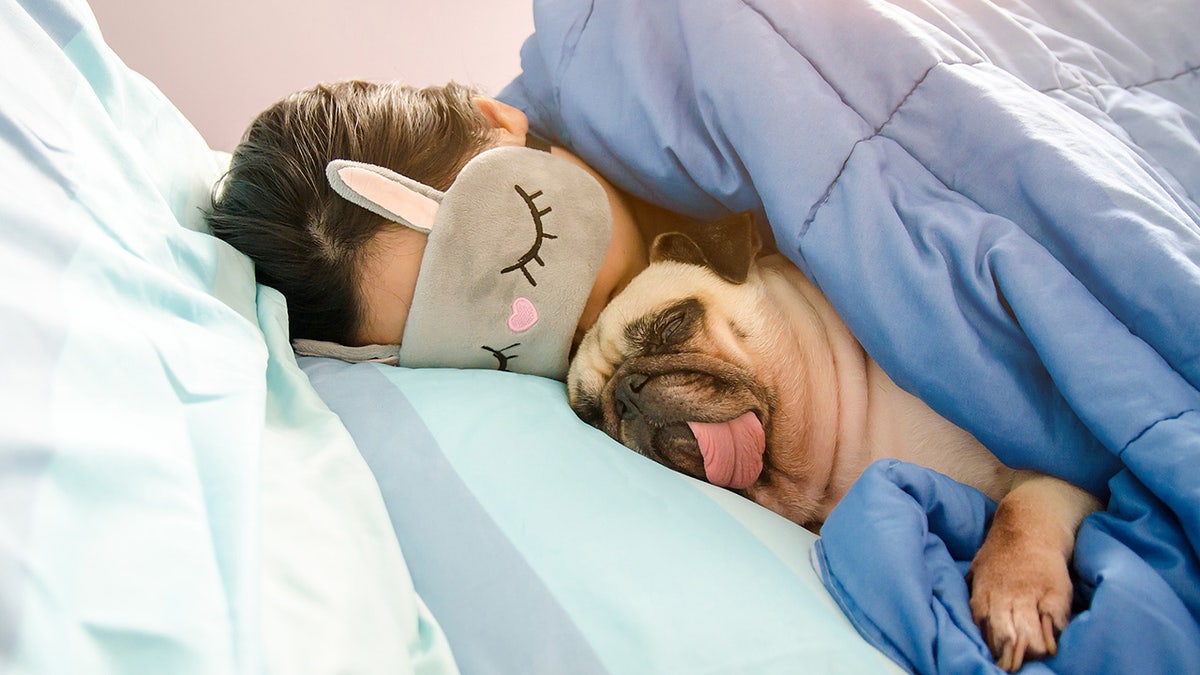
The sleep specialist recommended catching up on sleep when there’s been a deficit. (iStock )

“For many individuals, it’s less about ‘too much sleep’ and more about compensatory sleep,” he said. 

“In other words, you got inadequate sleep during the week and are trying to ‘make up’ for the lost sleep on the weekend.”

For more Health articles, visit foxnews.com/health

Sleeping too much on a regular basis is more a reflection of “inadequate sleep quality” overall, Winter said.

CLICK HERE TO SIGN UP FOR OUR HEALTH NEWSLETTER

Even so, the expert recommends catching up on sleep when there’s been a deficit.

“Studies have shown that if you pay that sleep debt back quickly, it probably keeps the deficit from impacting your health,” he said.

Senior couple sleeping

Sleeping too much on a regular basis is more a reflection of “inadequate sleep quality” overall, the sleep doctor said. (iStock)

“While it should never be Plan A, making up lost sleep via napping or sleeping in, when possible, can be a good fallback plan.”

Although some studies have suggested negative health outcomes from both inadequate and excessive sleep, Winter emphasized that it’s better to get too much sleep than not enough.

CLICK HERE TO GET THE FOX NEWS APP

“Trying to create consistency in sleep is important, too,” he said. 

“Sleeping a different seven hours every night is not nearly as healthy as sticking to the same seven hours night after night.”

The Centers for Disease Control and Prevention (CDC) recommends that adults get between seven and nine hours of sleep per night.

10 tech tips and tricks everyone should know

0


I’m using the new Apple iPhone 16 Pro Max with iOS 18.1. For some reason, Siri responds about 60% of the time when I ask it to call or text someone. Yes, this garbage even happens to me, and I’ve been helping folks with their tech lives for decades. 

That’s why I’ve channeled my frustrations into easy ways to make your tech less annoying, too.

THE $40K SCAM THAT ALMOST GOT ME + 3 MORE SPREADING NOW

Speaking of new iPhones … I’m giving away an iPhone 16 Pro with Apple Intelligence! No purchase necessary to enter.

Let’s start with Alexa: Amazon Echo smart speakers repeat what you just said, but you can turn off that default setting with just a few clicks. Open your Alexa app, tap More > Settings > Voice Responses, then turn on Brief Mode. Ah, short, sweet and to the point.

The new iPhone 16 Pro and iPhone 16 Pro max on display

The new iPhone 16 Pro and iPhone 16 Pro max on display inside Omotesando Apple store.  (Stanislav Kogiku/SOPA Images/LightRocket via Getty Images)

Stop apps asking for ratings: Don’t want to be nagged to leave a rating for an app? On an iPhone, tap Settings > App Store and toggle off In-App Ratings and Reviews. There’s no fix for Android, unfortunately. Hey, Google, fix that!

You’re drowning in tabs: Here’s a faster way to navigate when you have lots of tabs open. Hit Ctrl + 1, 2, 3 and so on to go to that tab number. On Mac, it’s Command + a number. To cycle through tabs, hit Ctrl + Tab on Windows or Cmd + Tab on Mac.

3 SECURITY AND DATA CHECKS YOU SHOULD DO ONCE A YEAR

What the heck is that? Music blaring unexpectedly from a browser tab is no fun, especially when you can’t turn it off right away. Most browsers let you deal with this pretty easily now. In Chrome, for instance, simply right-click on the tab header and click Mute site.

Quick text search: You know you sent someone a pic but can’t find it. On iPhone, open Messages, tap a convo, then the person’s profile photo or group name. Scroll to Photos > See All. On Android, open Messages, then tap the search bar at the top.

A man holds an iPhone

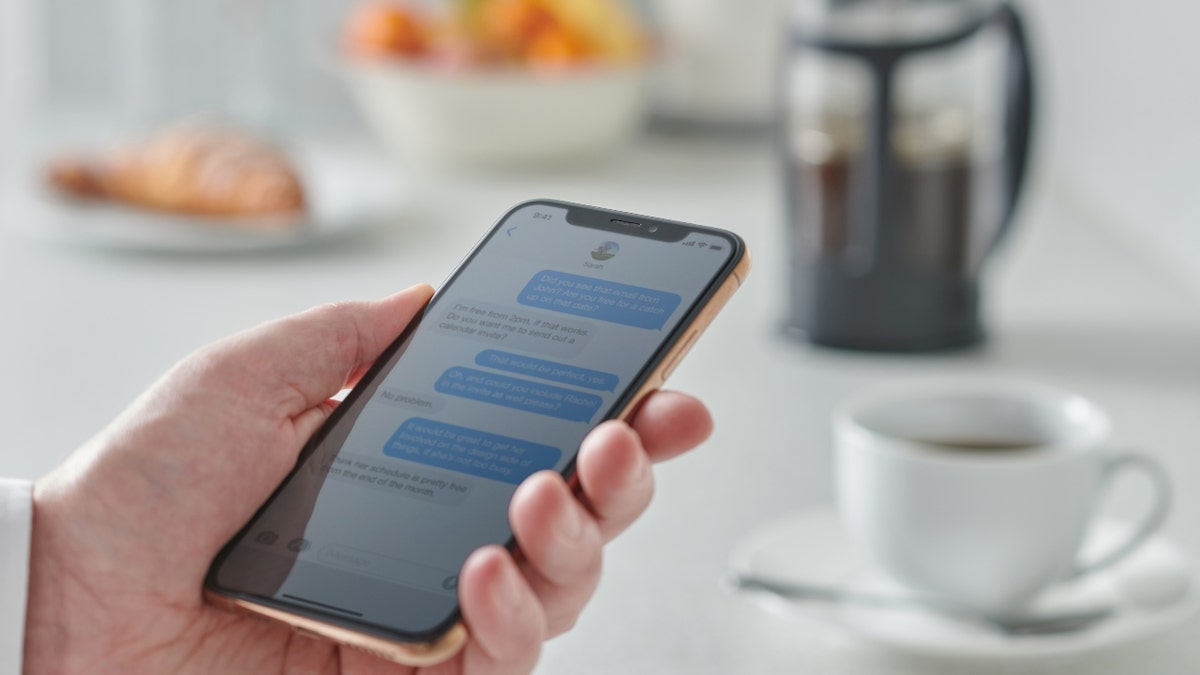
Close up detail of a man holding a smartphone over a kitchen counter, taken on January 31, 2019.  (Neil Godwin/Future via Getty Images)

Fix the ducking autocorrect: This is one reason I rely on voice texting so much. When you type, autocorrect can keep changing the word you meant to write. Adding custom words that don’t get corrected helps. On an Android, head to Settings and choose System > Keyboard > Personal dictionary. From iOS, it’s under Settings > General > Keyboard > Text Replacement.

Printer out of black ink? Change the color to #010101. It’ll look black, but it’s really 99% gray. While you’re at it, knock down the font size and switch to Courier New or Garamond. They use the least ink. Bonus: If the prints are just for you, look for draft mode in your document settings.

20 TECH TRICKS TO MAKE LIFE BETTER, SAFER OR EASIER

30-second cleanup: If your phone’s home screen is a hot mess, folders to the rescue! Use a finger or stylus to drag one app on top of another to make a new folder. I like doing this to create folders by category (think one for social media apps, another for shopping apps and so on).

Undo drastic changes: Ever spent hours typing something and then — poof! — it all just vanishes on you? Simply hit “Undo” and it should come back. Press Ctrl + Z on Windows or Cmd + Z on a Mac. Ahhhh, there it is.

man working at desk

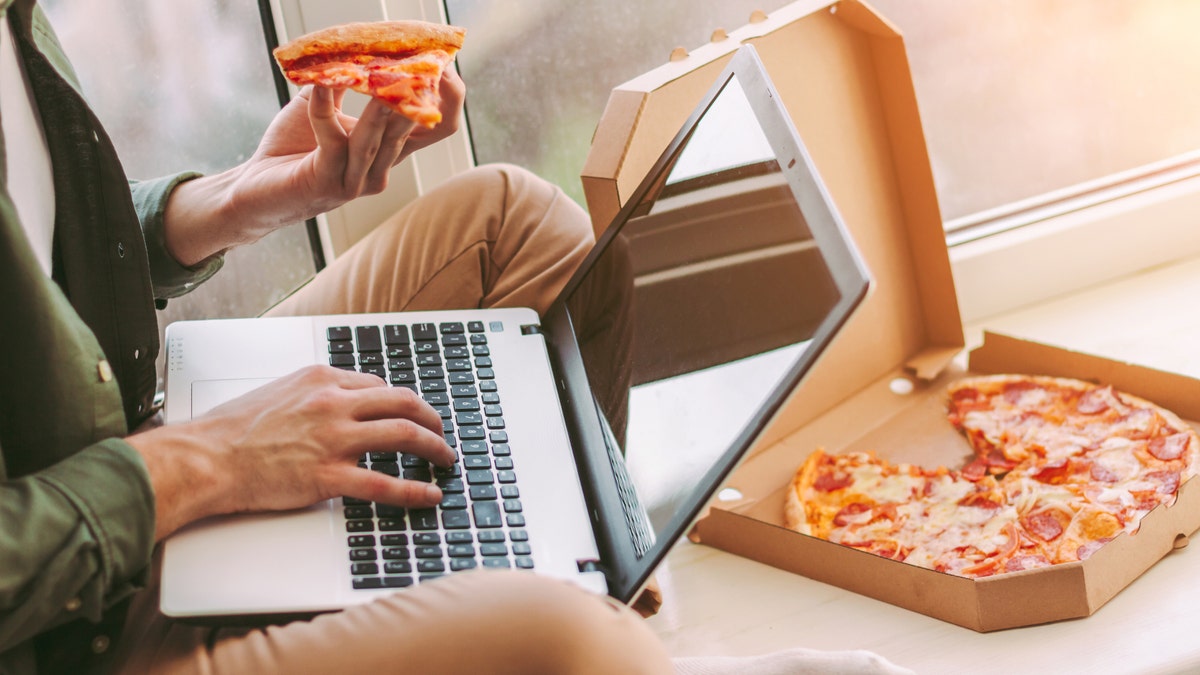
A man eats a slice of pizza while using a laptop. (iStock)

Desktop alerts: Notification overload is too much for my brain when I need to focus. Turn them off in Windows via Settings > System > Notifications. In macOS, it’s under your System Systems > Notifications.

Shhh: You can instantly silence incoming calls on your smartphone by pressing the side button, volume up or volume down button once. Nice.

CLICK HERE TO GET THE FOX NEWS APP

Get tech-smarter on your schedule

Award-winning host Kim Komando is your secret weapon for navigating tech.

Copyright 2024, WestStar Multimedia Entertainment. All rights reserved. 


Source link